Chrome extension for Salesforce admins and developers
See what your Salesforce org actually says.
Find the metadata behind any text on a Salesforce page and see it in every language your org uses. Fix translations where you find them, and see what changed in this org and in your other orgs.
- No Sextant account
- No telemetry
- Requests go only to Salesforce
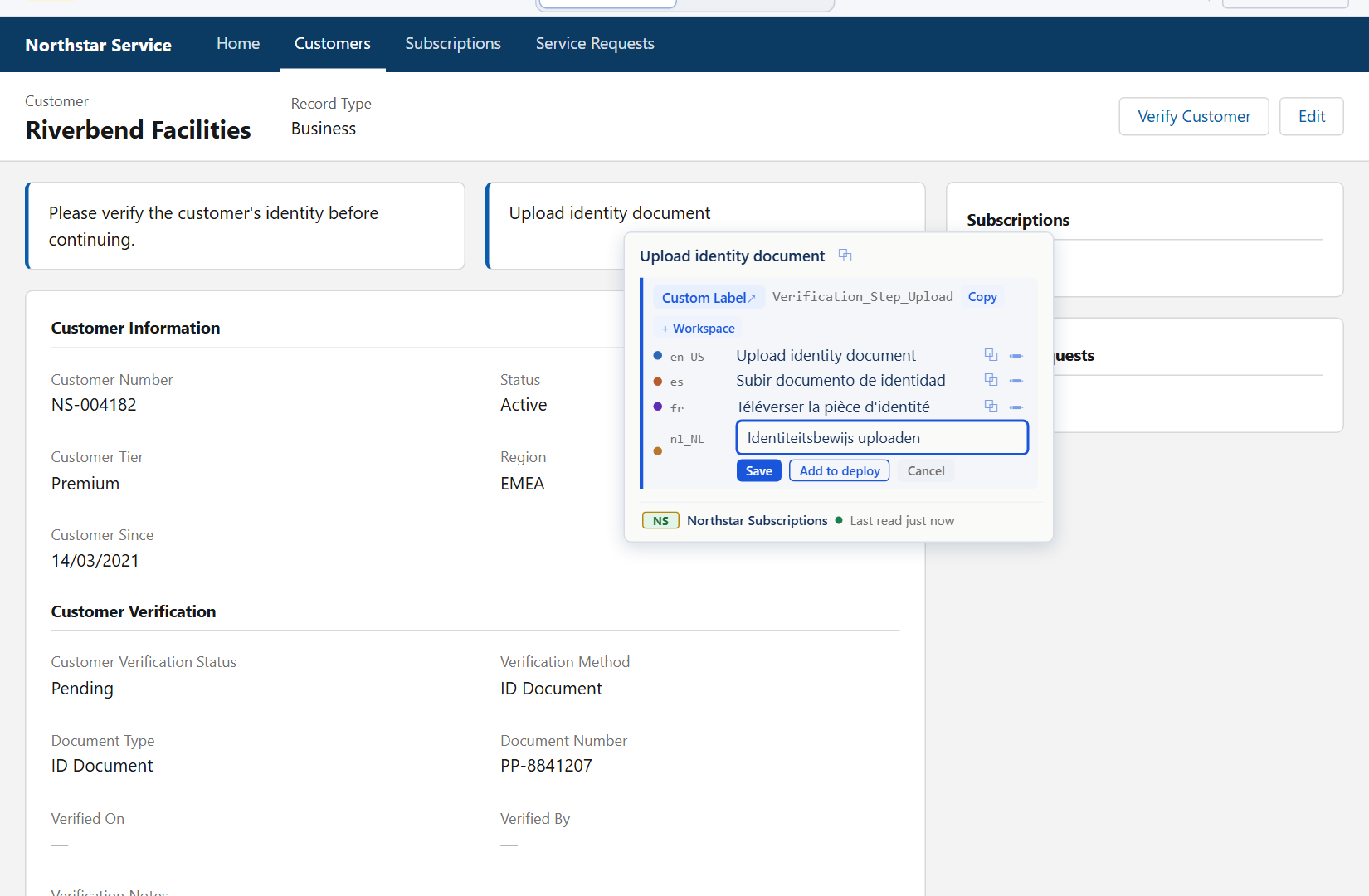
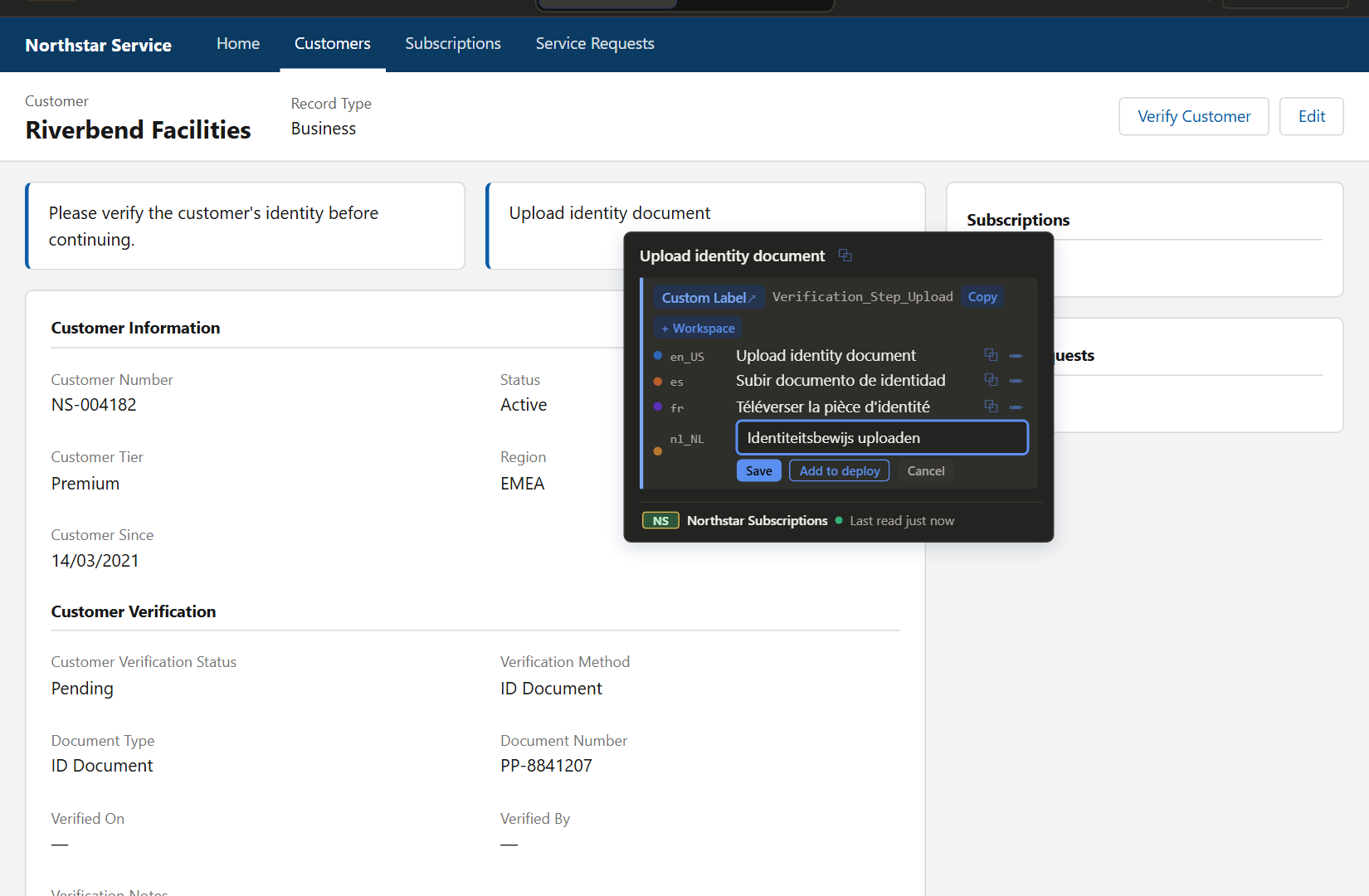
Hold a key and point at any text on the page. Sextant tells you what it is, and you can fix it right there. Screenshot of the real product in the demo. Northstar Subscriptions is a fictional org.
Where does this text come from?
A user reports wrong French text on a field. Is it a Custom Label, a field label, a picklist value or a Translation Workbench override? Salesforce shows the text but not where it comes from, so in Setup you have to check one component at a time. Sextant tells you from the page itself.
Sextant is a Chrome extension for Salesforce admins and developers. It identifies the Salesforce metadata behind the text on a Lightning page, searches metadata by label, API name and translation, and edits supported translations in your own org. There is no Sextant server or account, and no analytics or telemetry: it works with the Salesforce session you already have.
Inspect
Point at any text to see the metadata behind it
Hold a key and point at a label, a field or a picklist value on a Lightning page. Sextant shows the component, its API name and every translation. When it cannot be sure which component a text belongs to, it shows nothing rather than guessing.
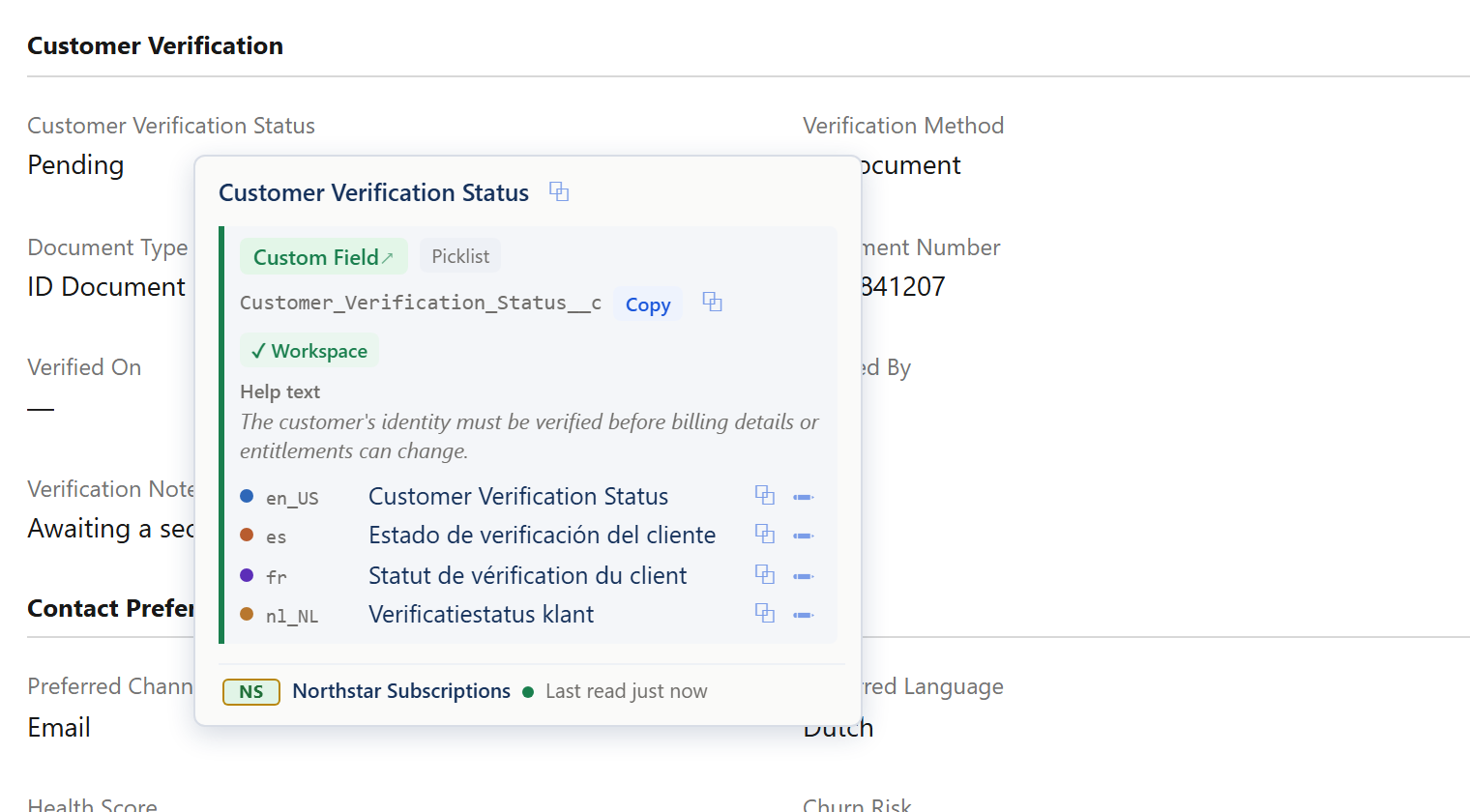
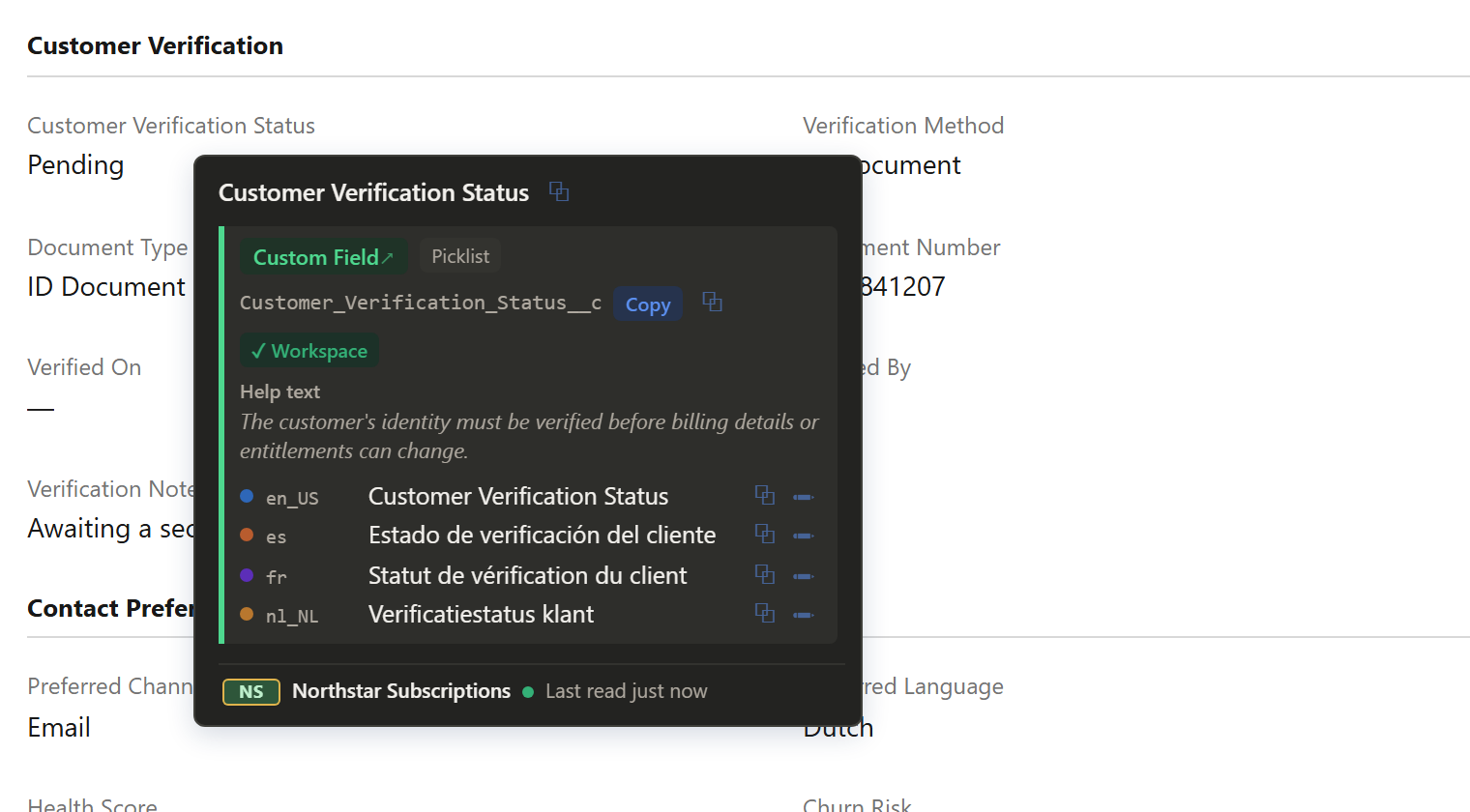
- Hold Shift
- Point at the text
- See every language
Translate
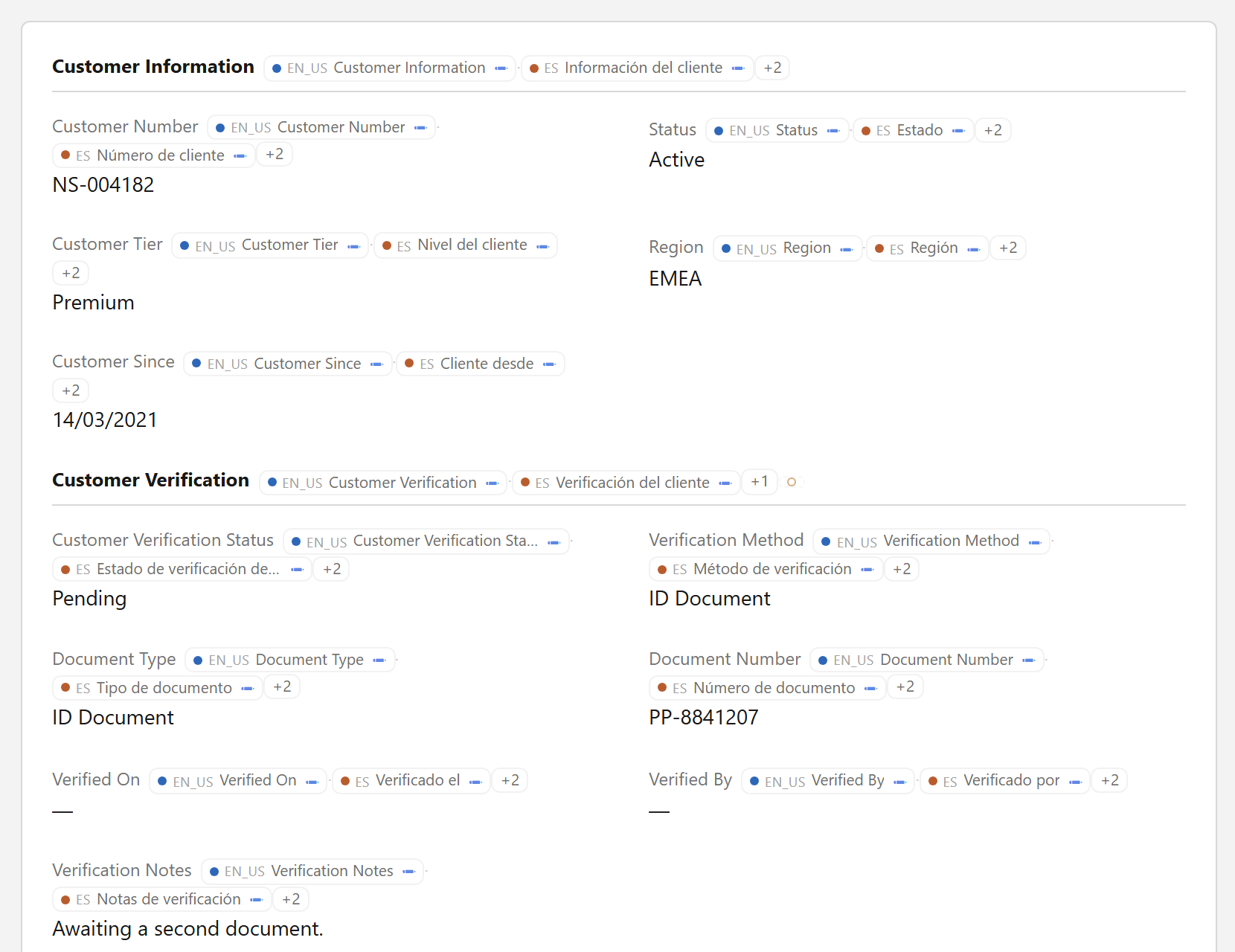
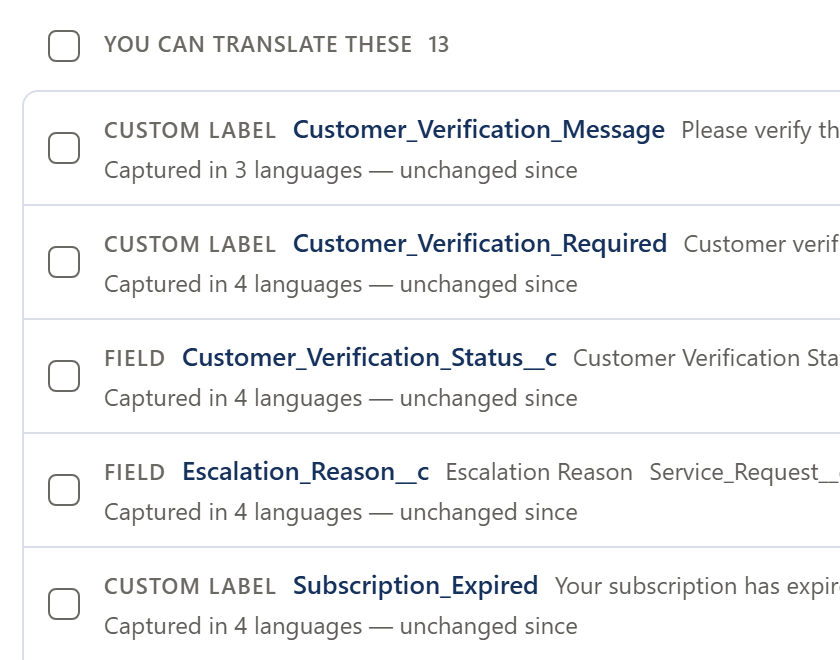
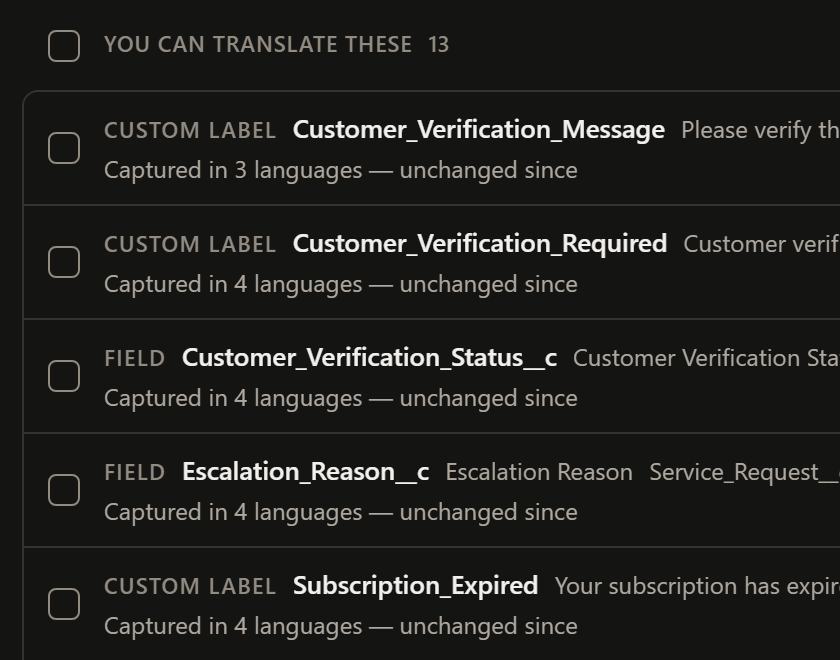
Every label on the page, in every language
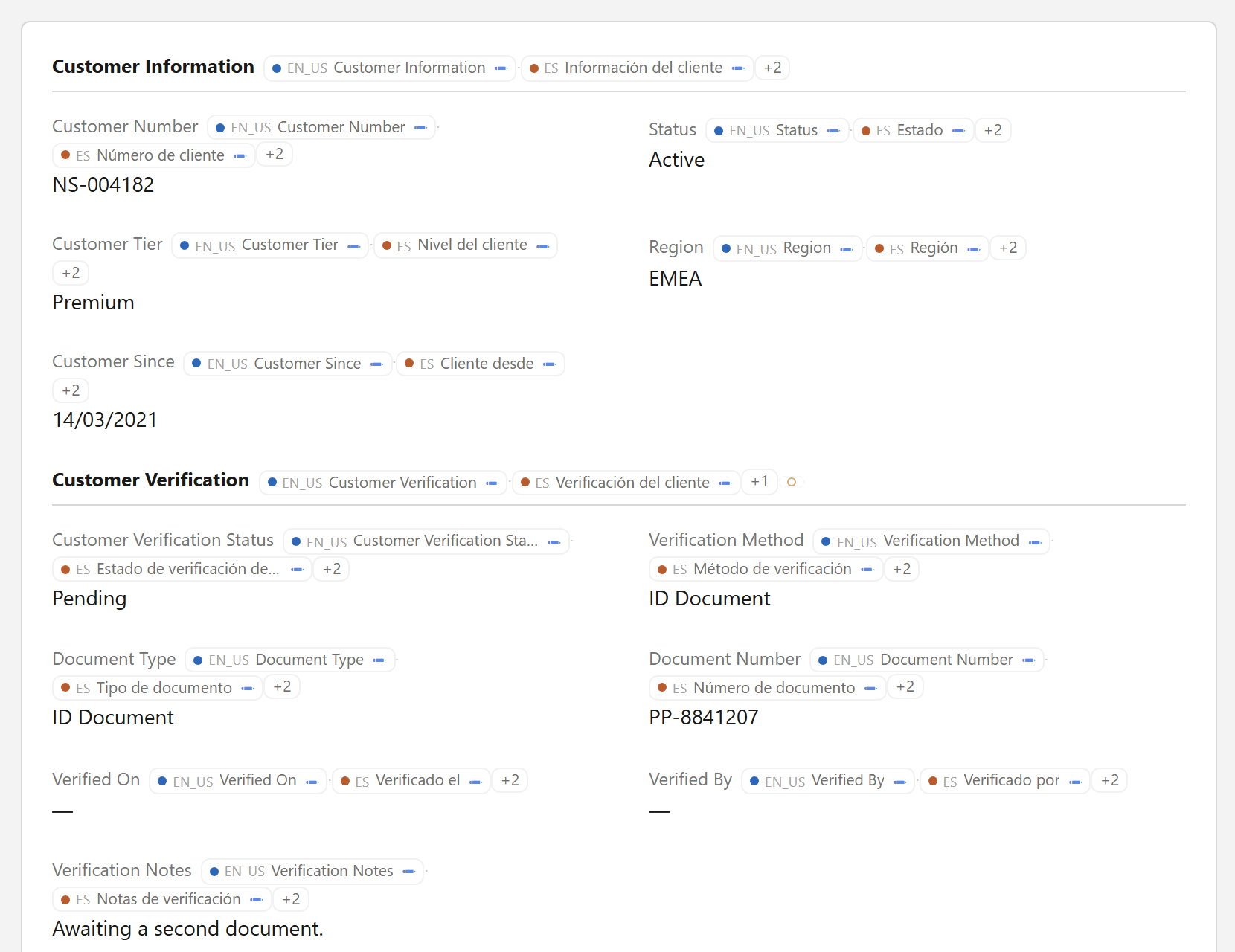
Press Alt+T and Translate All shows the translations of every label on the page and marks the ones that are missing. Go through the gaps and fix supported translations in place.
- Press Alt+T
- See the gaps
- Edit in place
Search
Search your org with the words users actually saw
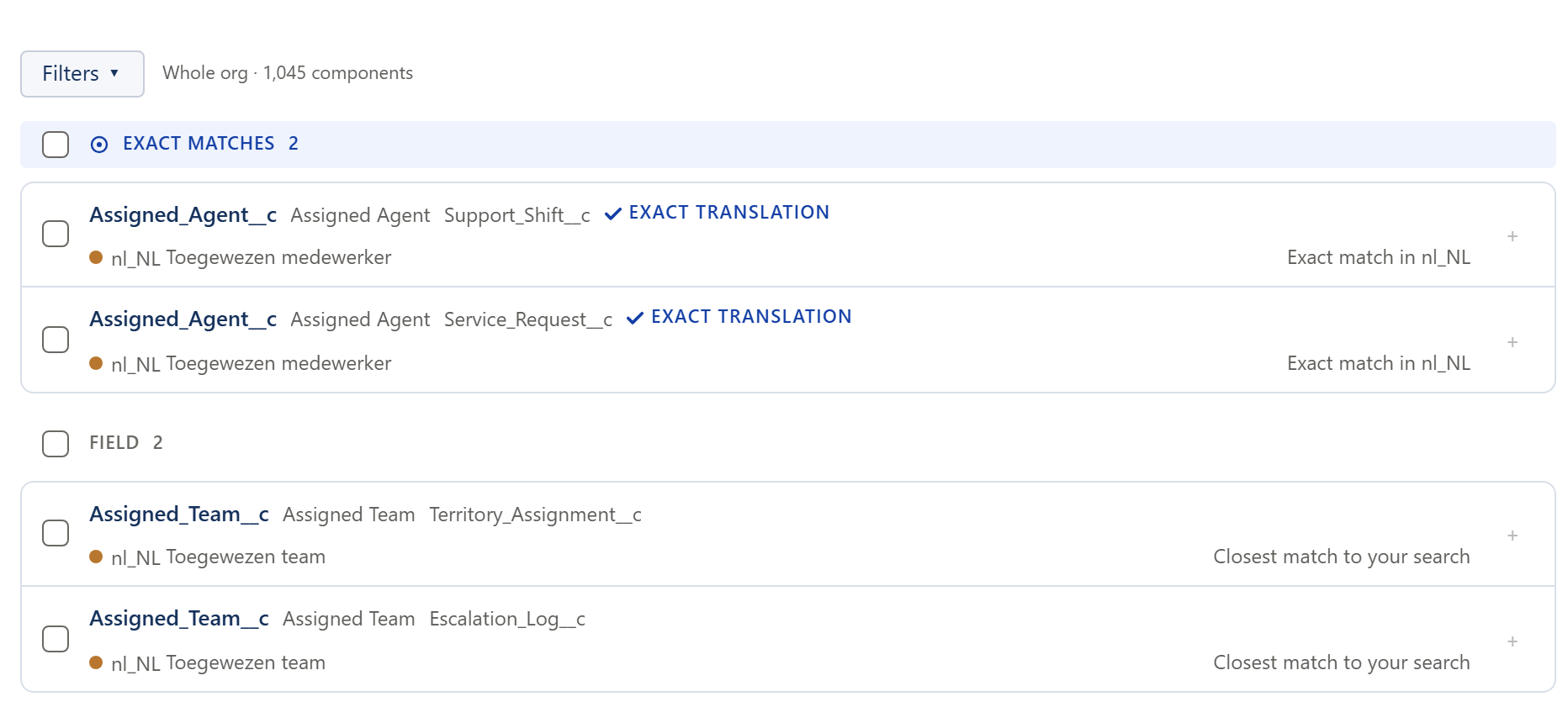
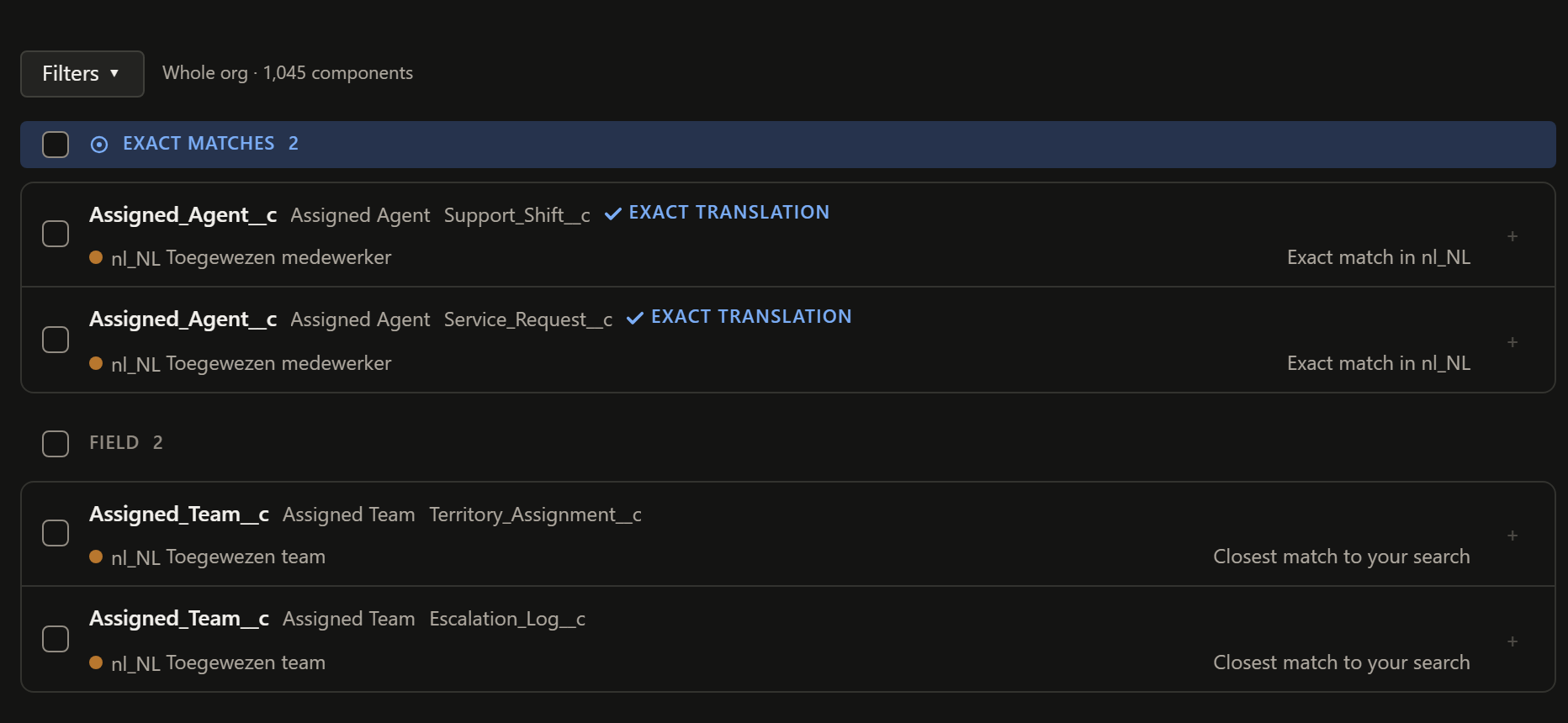
Paste a phrase in any language, a label or the start of an API name. Sextant finds the component and shows why each result matched.
- Paste the phrase
- Get the component
- See why it matched
In Sextant's own tab
Compare orgs, track changes and keep a working set
-
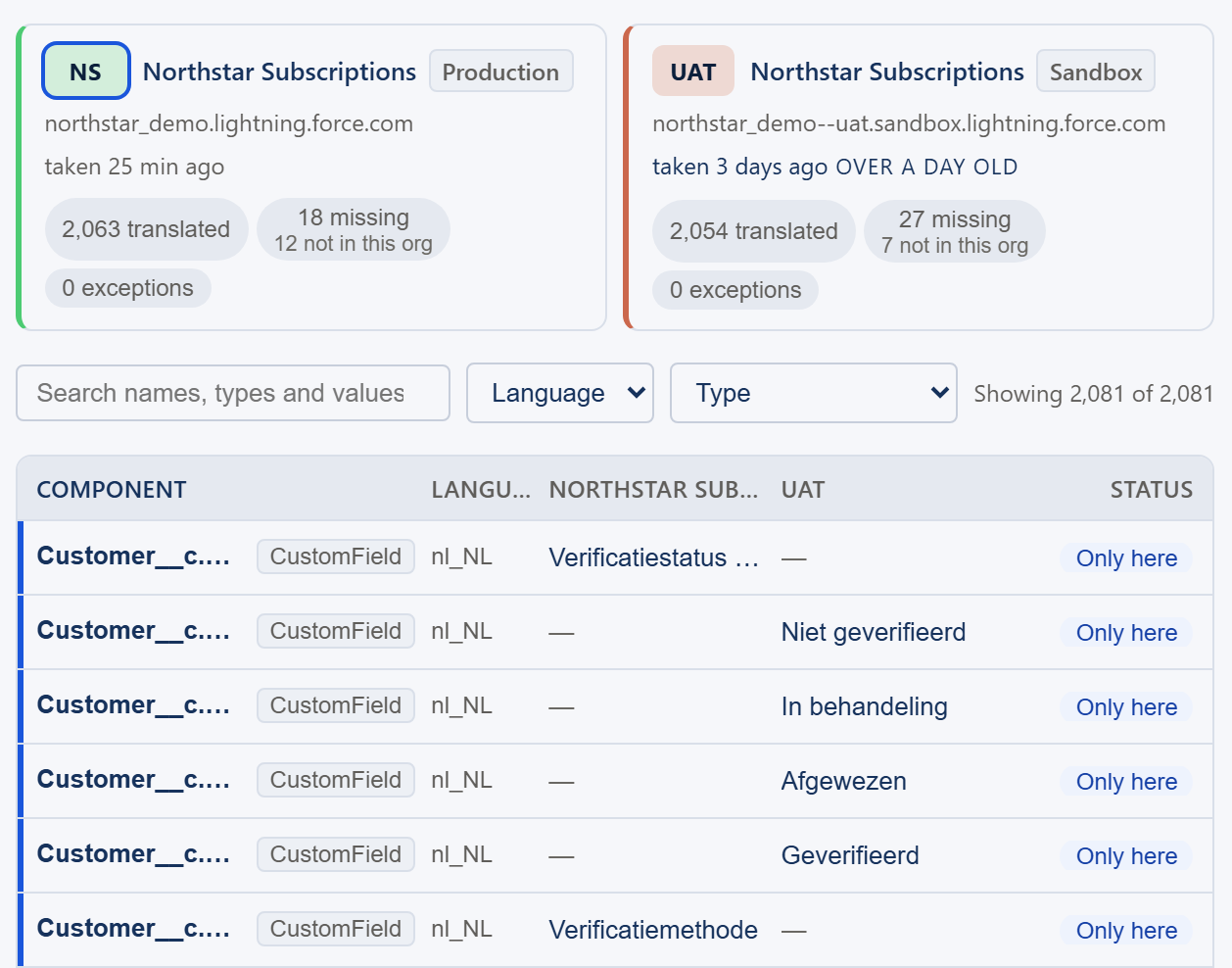
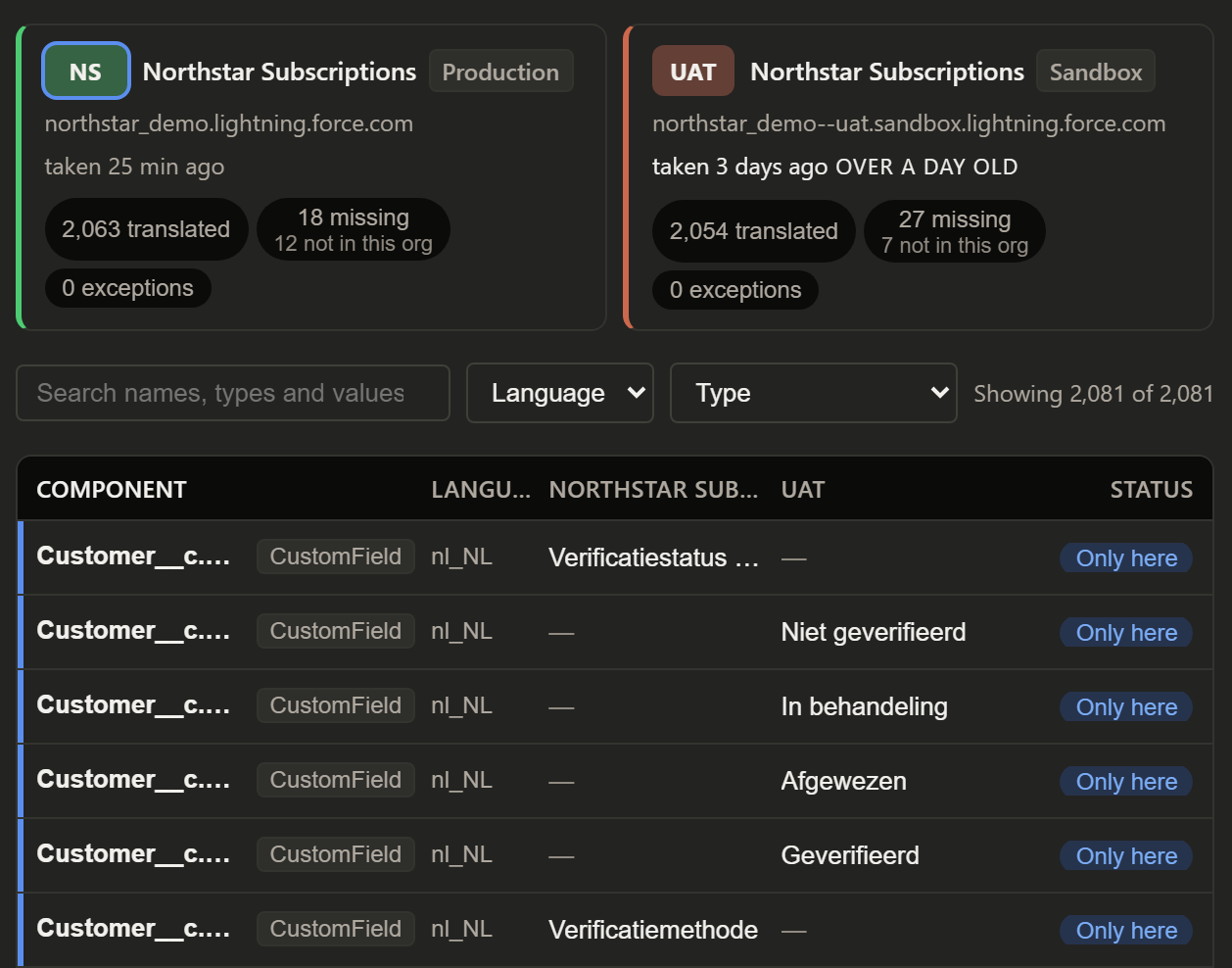
Compare environments
Production, UAT and Development side by side: what differs, what is missing and what exists in only one org.
-
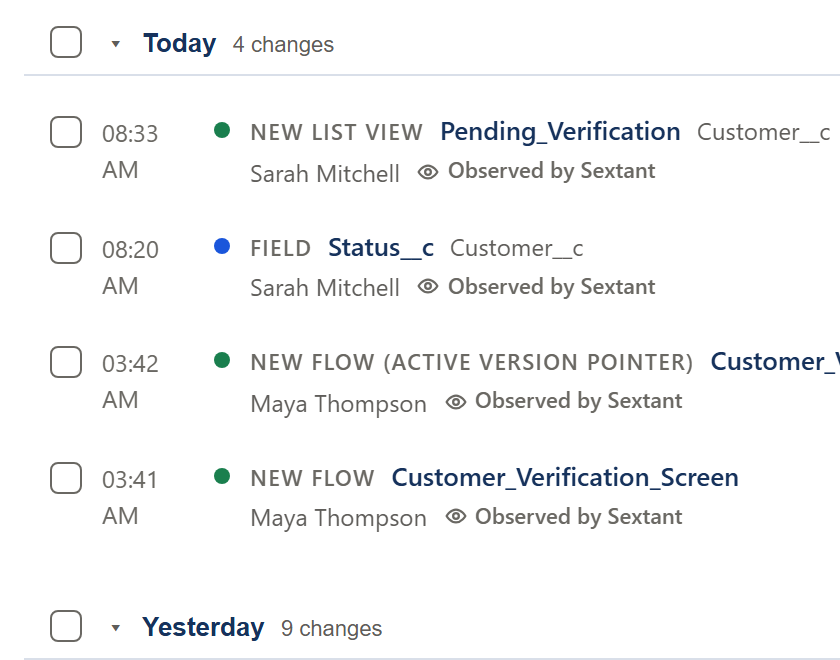
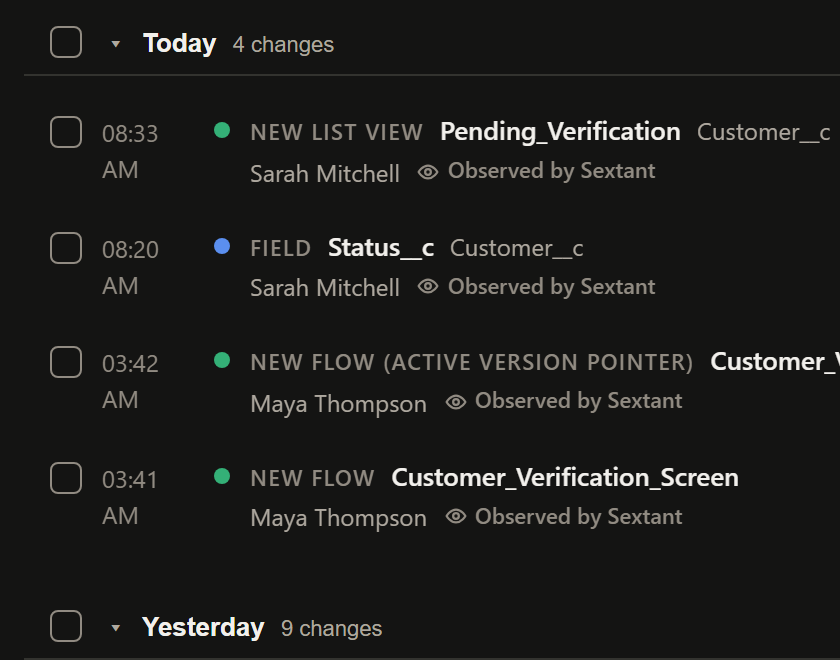
See what changed
Every change Sextant observed, with the value before and after. It names an author only when Salesforce records one.
-
Keep a working set
Pin, group and add notes to what you are working on, translate it in one grid, then hand it over as a package.xml.


Trust
It only talks to your Salesforce org
There is no Sextant server and no account. Sextant calls Salesforce's APIs as you, with the session you already have, and keeps its data in your browser profile. These are the six statements it makes about itself, the same ones it shows in its Settings.
- Sextant sends requests only to Salesforce, and the browser blocks its pages from contacting any other site.
- No analytics, telemetry, crash reporting or advertising.
- There is no Sextant account or server. Nothing you do in Sextant is sent to its developer.
- Everything Sextant runs ships inside the installed extension. It downloads no code.
- Your Salesforce session is read when a request needs it and is never stored, logged or exported by Sextant.
- What Sextant keeps stays in this browser profile. You can see it, export it and delete it in Settings.
Demo
Try it in your browser
The demo runs the real Sextant interface and logic in your browser, with Northstar, a fictional Salesforce org. Nothing is sent anywhere, and reloading the page starts it again from scratch.
Or go straight to a feature
Guides
Guides for multilingual Salesforce orgs
Step-by-step answers using what Salesforce provides, with a note on where Sextant saves time.
- Where each label is translatedTranslating a Salesforce org: where every label is translated
- Custom LabelsHow to translate Custom Labels in Salesforce
- Picklist valuesHow to translate picklist values in Salesforce
- Metadata behind a labelHow to find the Salesforce metadata behind text in Lightning
- Missing translationsHow to find missing translations in Salesforce
- Compare between orgsHow to compare translations between Salesforce orgs
- Translation not showingWhy a Salesforce translation is not showing